Comparison
Tap to Pay vs. Card Reader: Which Is Right for Your Business?
Tap to Pay and card readers both let you accept in-person payments, but they suit different businesses. The right choice depends on where you sell, how your customers pay, who takes payments, and whether you want to manage extra hardware.
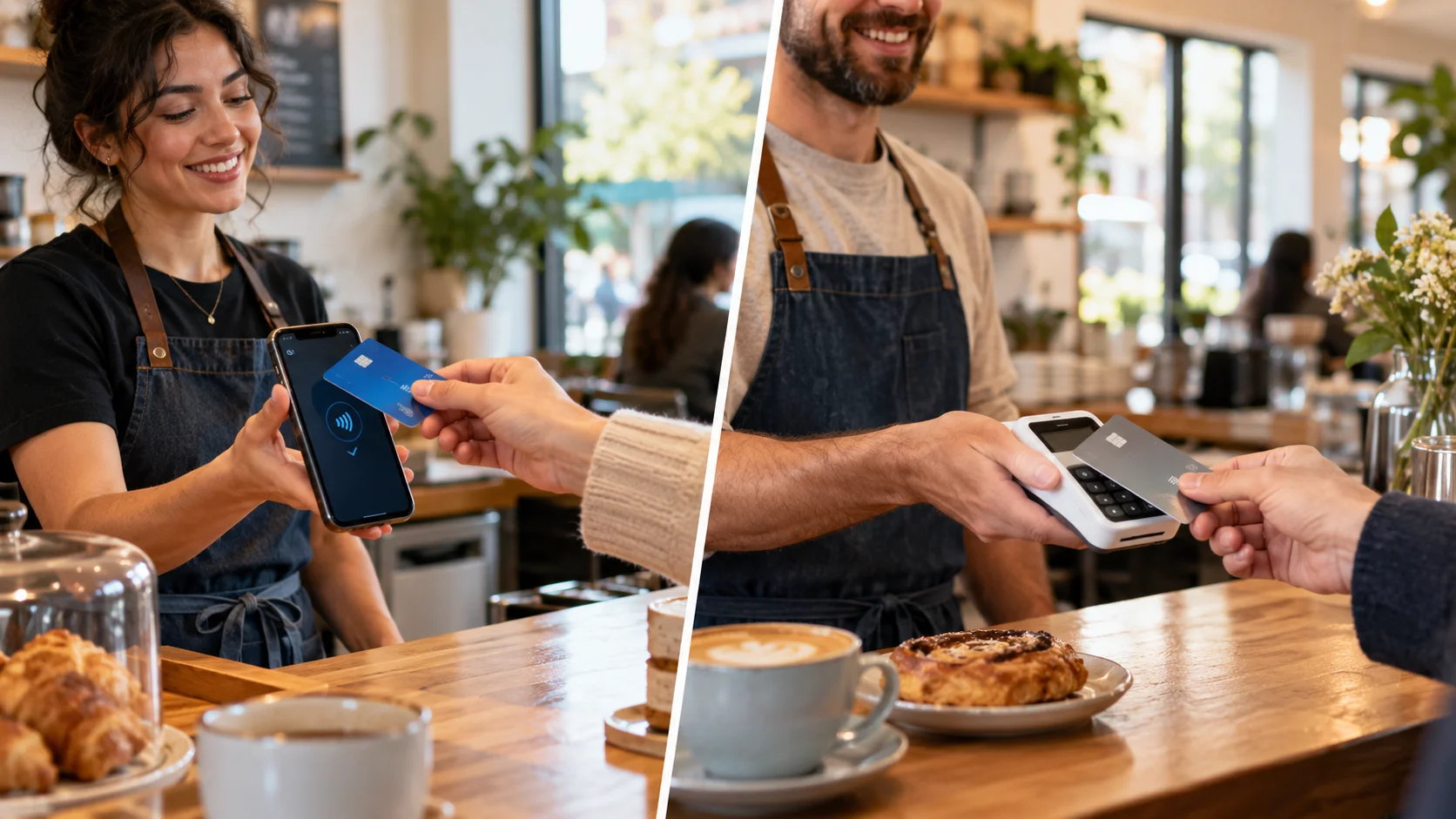
The short answer
- Choose Tap to Pay if you want the simplest way to accept contactless payments on a compatible phone, with no reader to buy or carry.
- Choose a card reader if you need chip or PIN support, a dedicated checkout device, or a way to take payment when a customer cannot tap.
- Use both if you want maximum flexibility and a backup when one option is unavailable.
Tap to Pay vs. card reader at a glance
The biggest difference: Tap to Pay turns a compatible smartphone into the payment terminal, while a card reader is a separate piece of hardware.
Supported payment methods, readers, and features vary by device, reader model, and country.
How each option works
What is Tap to Pay?
Tap to Pay lets you accept contactless payments directly on a compatible smartphone through a supported payment app. Your customer holds a contactless card, phone, or digital wallet near your device to pay.
With ChargeStripe, eligible businesses can use Tap to Pay on iPhone or Tap to Pay on Android. Customers can pay with:
- Contactless credit and debit cards
- Apple Pay
- Google Pay
- Other compatible NFC-based digital wallets
Available payment methods depend on your device and country.
What is a card reader?
A card reader is a separate physical device for accepting in-person card payments. Some readers connect to a phone or tablet, while others are larger smart terminals built for fixed checkout locations. Depending on the model and country, a reader may accept:
- Contactless card payments
- Apple Pay and Google Pay
- Inserted chip cards
- PIN-authorized transactions
ChargeStripe supports a range of compatible readers, from compact mobile readers to larger terminals. Availability varies between the United States, the United Kingdom, and other markets. See supported card readers
When Tap to Pay is the better choice
Tap to Pay may be the better choice if you want to start accepting in-person payments without buying extra hardware.
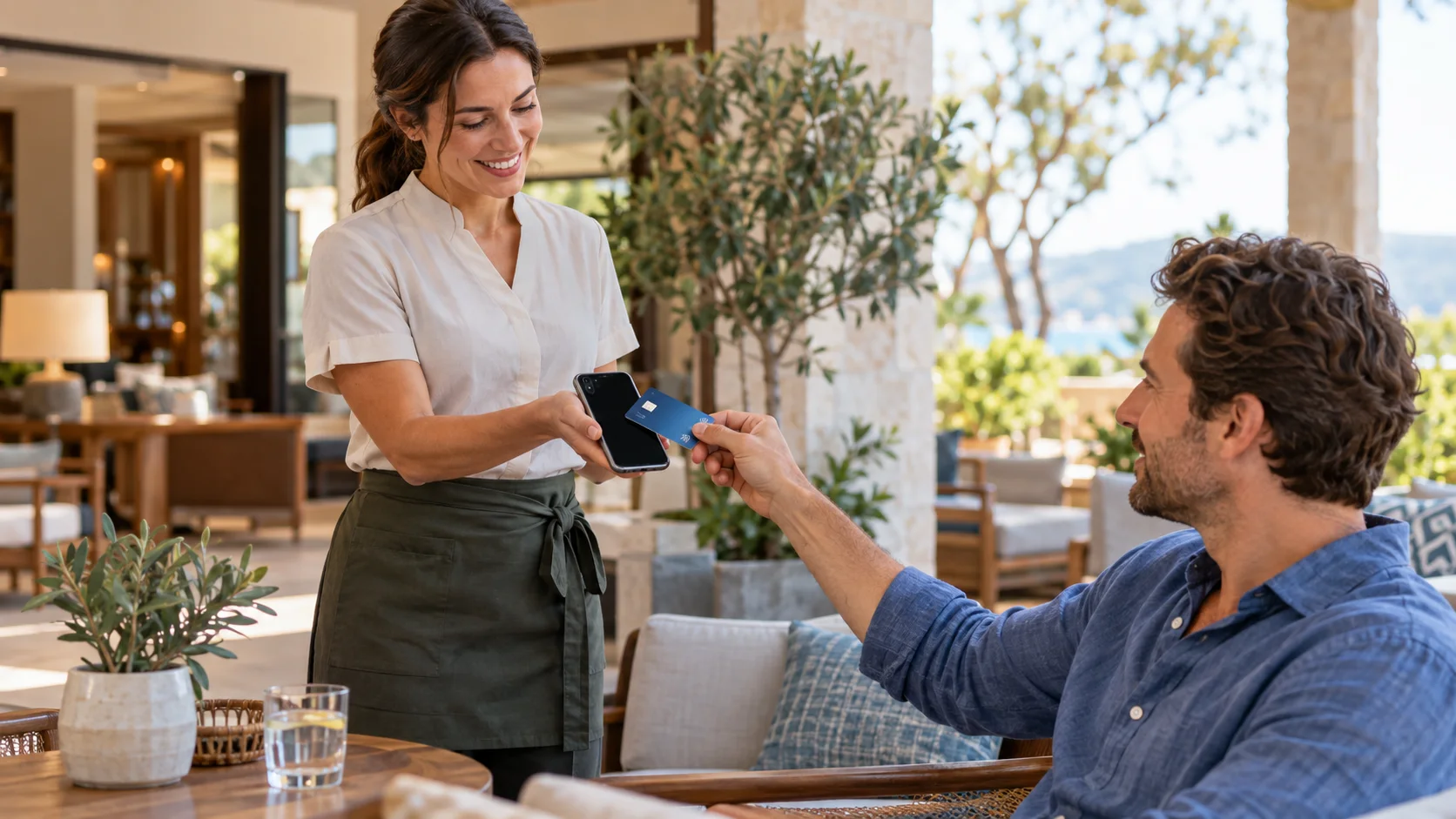
You run a mobile business
Take payment on a phone you already carry instead of a separate terminal. It works well for contractors, cleaners, photographers, personal trainers, tour guides, mobile beauty professionals, event vendors, and market sellers.
You work in hospitality
Collect payment away from the counter: beside a pool, at a hotel event, in a guest's room, or in an outdoor service area. Restaurants, cafés, event venues, food trucks, and tour companies can use it wherever a card machine is inconvenient.
Your customers prefer contactless
If customers already use contactless cards or digital wallets, payment is quick and familiar. They never hand their card to an employee; they simply hold it near your phone.
You only take occasional in-person payments
If most sales happen online, a reader you use a few times a month may not be worth buying. Tap to Pay covers those payments without hardware that sits in a drawer.
Limitations of Tap to Pay
If a customer's card cannot be tapped, you need a backup way to collect payment, such as a card reader, a payment link, card scanning, or manual card entry.
When a card reader is the better choice
A physical card reader may be the better choice when you need more payment options or serve customers from one consistent checkout location.
You have a fixed checkout area
Retail counters, hotel reception desks, restaurant checkouts, salons and spas, clinics, and visitor centres can keep a reader charged, connected, and ready for staff all day.
You need chip or PIN support
A reader may be necessary if customers regularly insert cards or enter a PIN, including international visitors and people who rarely use digital wallets. Exact chip and PIN capabilities depend on the reader and country.
Several employees take payments
A shared reader at the point of sale is often easier to manage than asking staff to use their personal phones.
You want a traditional checkout
Some customers and businesses prefer a recognizable card terminal. It makes the payment step obvious, especially in busy environments where customers expect a card machine.
Limitations of a card reader
Beyond the upfront cost and upkeep, a missing, damaged, or uncharged reader can stop you from taking an in-person payment unless you have another option.
Should you use both?
Many small businesses do not need to choose just one. Using both also gives you a backup: if the reader is unavailable or in use by another employee, a compatible phone may still accept a contactless payment.
- Hotel: a card reader at the front desk, and Tap to Pay when staff help guests elsewhere on the property.
- Retailer: a reader at the main counter, and Tap to Pay for pop-up events, mobile sales, or busy periods.
- Restaurant: readers for normal table service, and Tap to Pay for contactless payments in other parts of the venue.
How much do Tap to Pay and card readers cost?
Tap to Pay
Often less expensive to start, because there is no separate terminal to buy. You still pay transaction fees to process each payment.
ChargeStripe currently charges 1.3% per transaction in addition to Stripe's processing fees, with no monthly ChargeStripe fee.
Card reader
Adds an upfront hardware cost on top of transaction fees. Models differ in price and capabilities, so compare each reader's cost with the payment methods and features you need.
For a busy business that wants a dedicated checkout setup, the cost of a reader may be worthwhile.
Stripe's fees vary by country, payment method, and account agreement. Check the latest pricing for your market before deciding.
Using Tap to Pay and card readers with ChargeStripe
ChargeStripe lets businesses accept Stripe payments from an iPhone, iPad, or Android device. Depending on your device, location, and needs, you can take payments with:
- Tap to Pay
- A compatible card reader
- Card scanning
- Manual card entry
- Payment links
Get started
- Download ChargeStripe and connect your Stripe account.
- Confirm your preferred payment method is supported on your device and in your country.
- Enter the amount, choose the payment option, and let your customer complete the transaction.
Frequently asked questions
Do I need a card reader to accept payments on my phone?
No. With a compatible device and a supported payment app, Tap to Pay lets you accept contactless payments without a separate reader.
Can Tap to Pay accept physical cards?
Yes, as long as the card supports contactless payments. The customer taps the card against the payment area of your phone.
Is Tap to Pay secure?
Tap to Pay uses the security features built into compatible devices and payment platforms. Customers do not hand over their cards, and payment information is handled through the supported payment system.
Is a card reader the same as a card machine in the UK?
The terms are often used interchangeably. In the UK, “card machine” is a common name for a device that accepts card payments, and “card reader” is also widely used.
Accept Payments
on your phone Today


