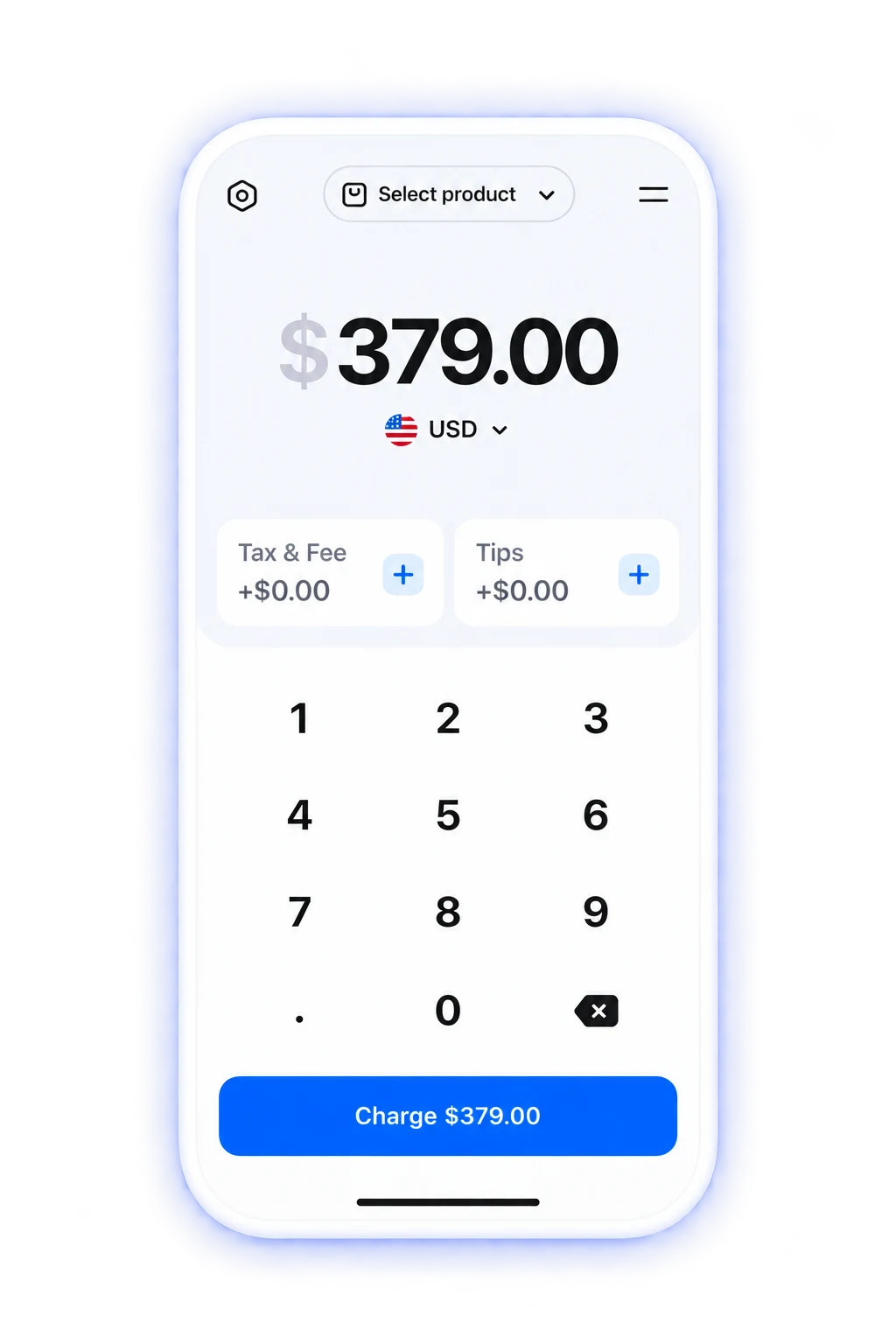
ChargeStripe vs. Stripe Dashboard
Why use ChargeStripe if you already have Stripe?
Compare the apps, understand what each does, and decide what fits the way you take payments.
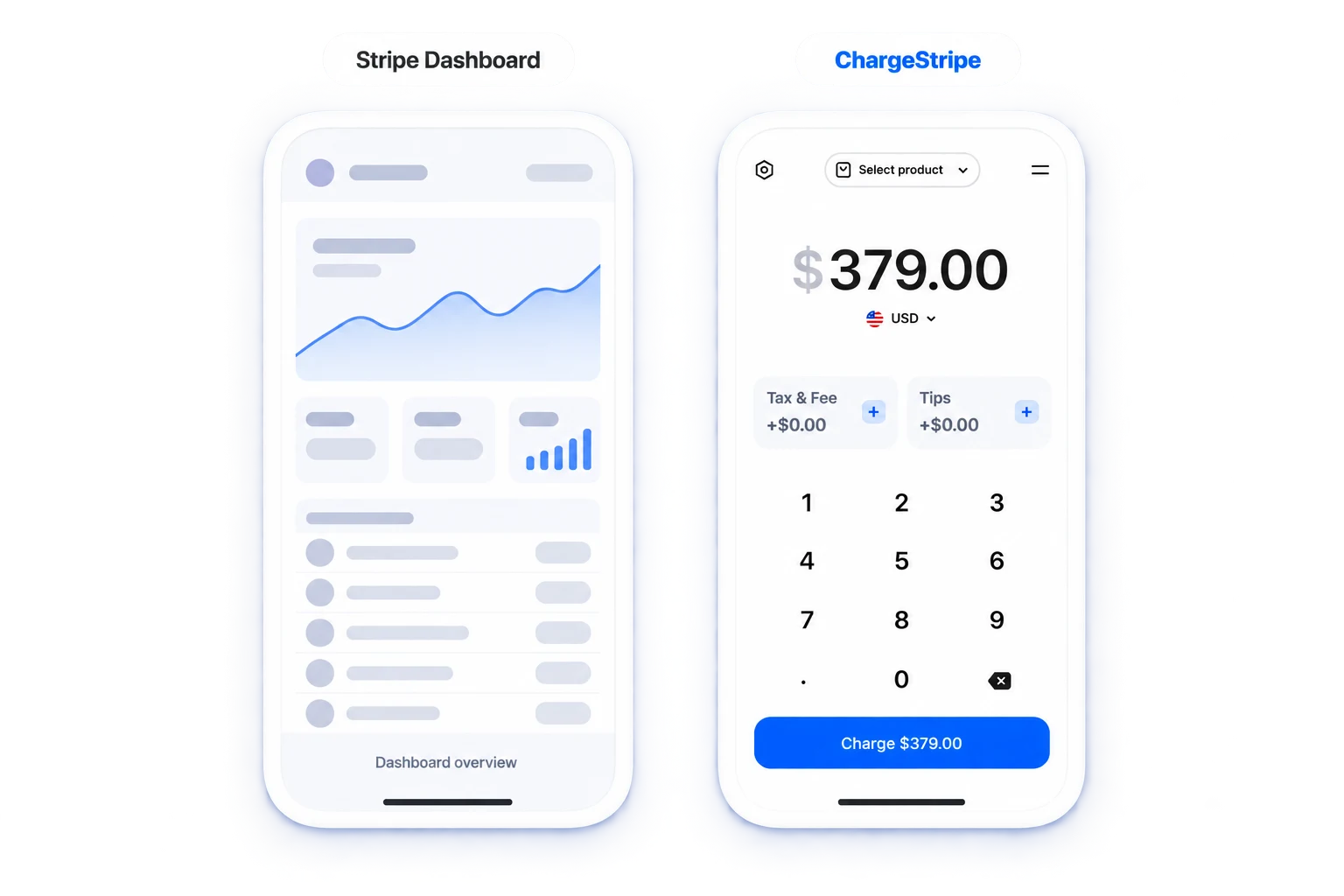
Same Stripe account. Two different app experiences.

Stripe Dashboard
Manage your business in Stripe
Review balances, payouts and transactions. Accept payments with Stripe’s built-in tools.

ChargeStripe
Use a dedicated mobile payment app
Connect your Stripe account and take customer payments through ChargeStripe.
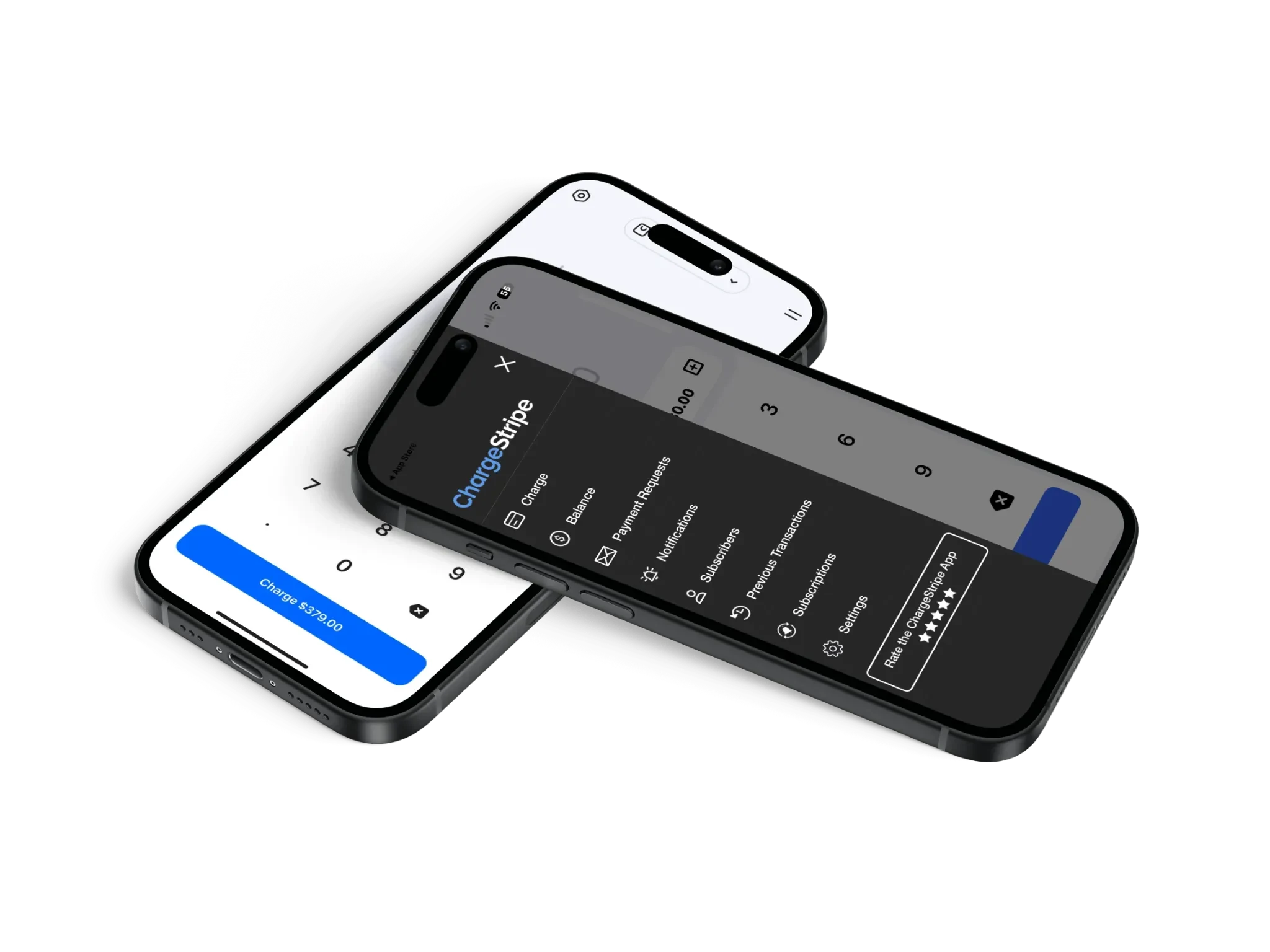
ChargeStripe works with Stripe. It does not replace your Stripe account.
What do you get with each app?
| Capability | Stripe Dashboard | ChargeStripe |
|---|---|---|
 Uses your Stripe account | Yes | Yes |
 Tap to Pay | Yes* | Yes* |
 Manual card entry | Yes | Yes |
 Checkout workflow | Within the Dashboard app | Dedicated payment interface |
 Fees per payment | Stripe processing fees | Stripe processing fees plus a 1.3% ChargeStripe fee |
Uses your Stripe account
- ChargeStripe
- Yes
- Stripe Dashboard
- Yes
Tap to Pay
- ChargeStripe
- Yes*
- Stripe Dashboard
- Yes*
Manual card entry
- ChargeStripe
- Yes
- Stripe Dashboard
- Yes
Checkout workflow
- ChargeStripe
- Dedicated payment interface
- Stripe Dashboard
- Within the Dashboard app
Fees per payment
- ChargeStripe
- Stripe processing fees plus a 1.3% ChargeStripe fee
- Stripe Dashboard
- Stripe processing fees
*Availability varies by device, country, and supported hardware. Stripe processing fees apply. Check the requirements for Tap to Pay on iPhone and Tap to Pay on Android, and what is available in your country.
When does ChargeStripe make sense?
Consider ChargeStripe
Consider ChargeStripe if you want:
- A dedicated mobile payment interface.
- Camera card scanning, plus tip, tax and product catalogue settings.
- Compatible Stripe card reader options, depending on your country.
You keep Stripe behind the scenes.
ChargeStripe connects to your Stripe account and gives you a dedicated mobile interface for taking payments. Stripe handles the underlying payment processing.
Simple pricing.
No monthly subscription.
Pay per transaction. No monthly fees from ChargeStripe.
1.3%
ChargeStripe fee per transaction, plus Stripe processing fees.
View pricingA few things to know.
Why would I use ChargeStripe if I have Stripe?
ChargeStripe gives you a dedicated mobile app for taking payments through your existing Stripe account. Consider it when its payment workflow and supported tools fit how you serve customers.
Can Stripe’s own app take payments?
Yes. Stripe Dashboard supports payment acceptance, including Tap to Pay and manual card entry. Available features depend on your device, location, and account. Compare the tools you need to decide whether to use Stripe Dashboard alone or add ChargeStripe.
Do I need a new Stripe account?
No. You can connect ChargeStripe to your existing Stripe account.
Does ChargeStripe replace Stripe?
No. ChargeStripe works with Stripe. You use ChargeStripe to take payments while Stripe provides the underlying payment processing.
See how ChargeStripe fits your business.
Download the app and start taking payments with your Stripe account.